

How to Install NAPLAN Locked Down Browser on Windows
Note: NAPLAN locked down browser requires a minimum version of Windows 10 21H2 or later. You can check your version of Windows by following the instructions here.
Step 1 Download the NAPLAN locked down browser here
Step 2 Find the downloaded file – Nap Locked down browser release NAP 5.11.0 using the file explorer. The file by default will be in your Downloads folder:

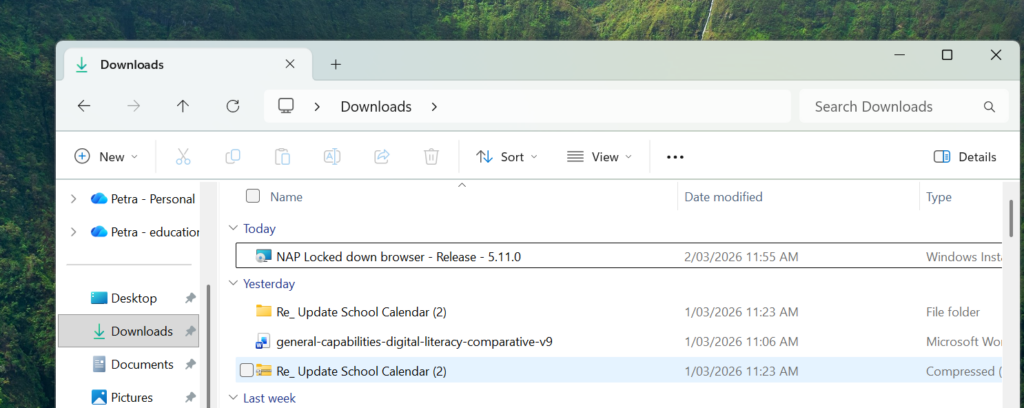
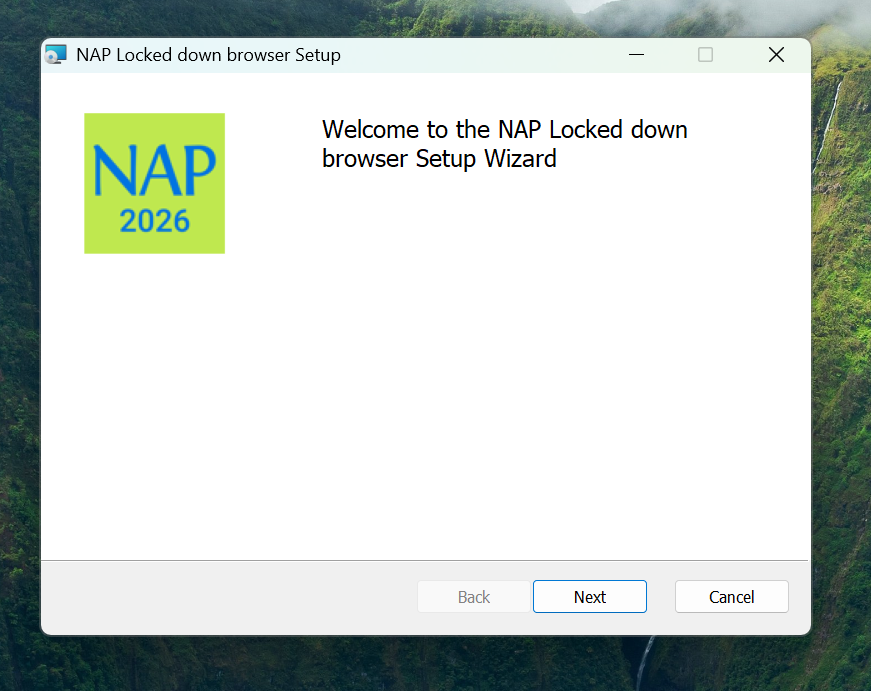
Step 3 Double-click NAP Locked down browser – Release – 5.11.0 and the installation wizard will launch:
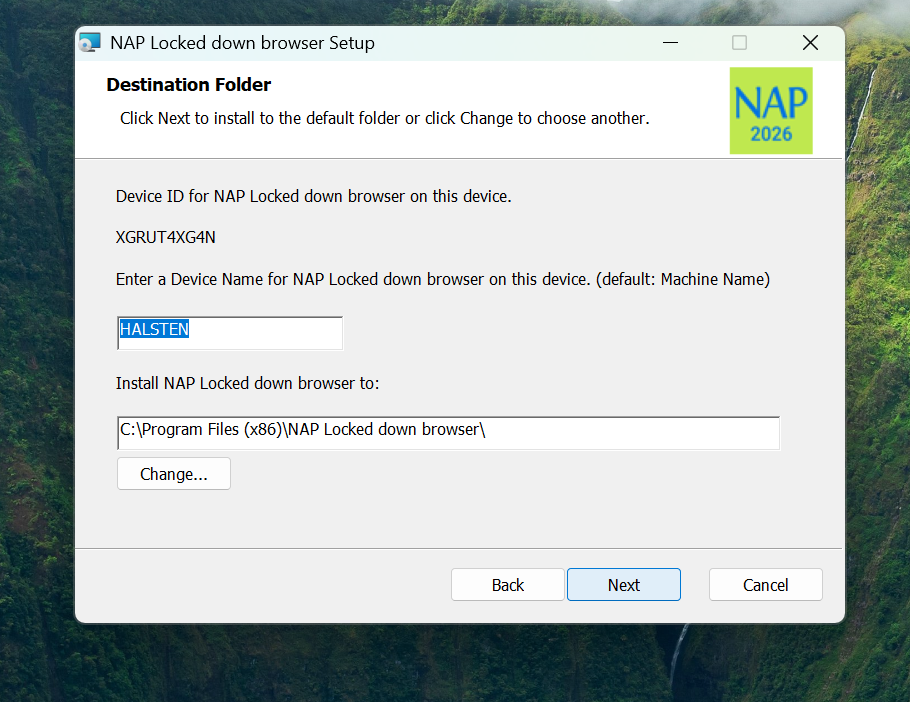
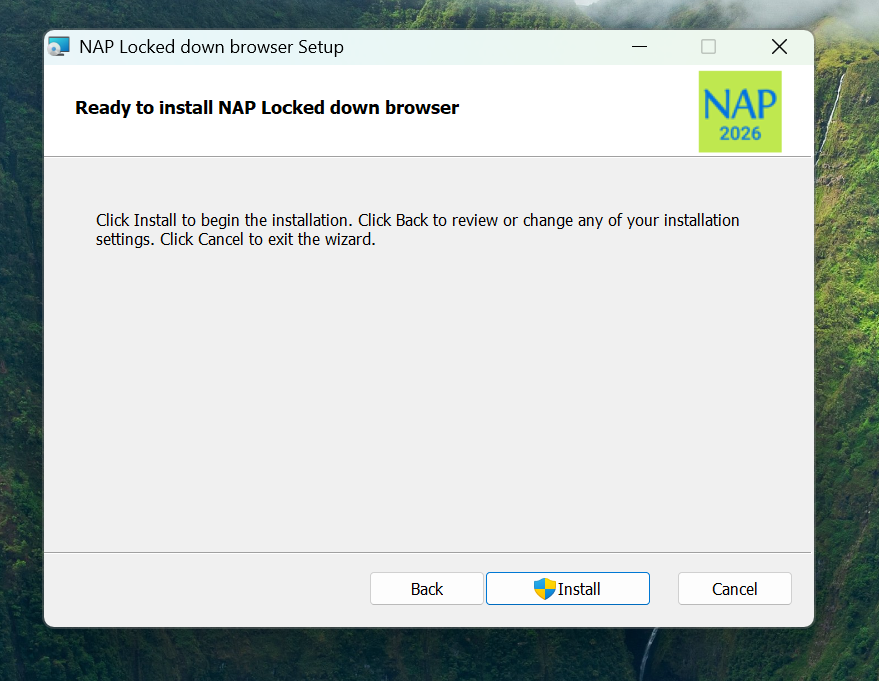
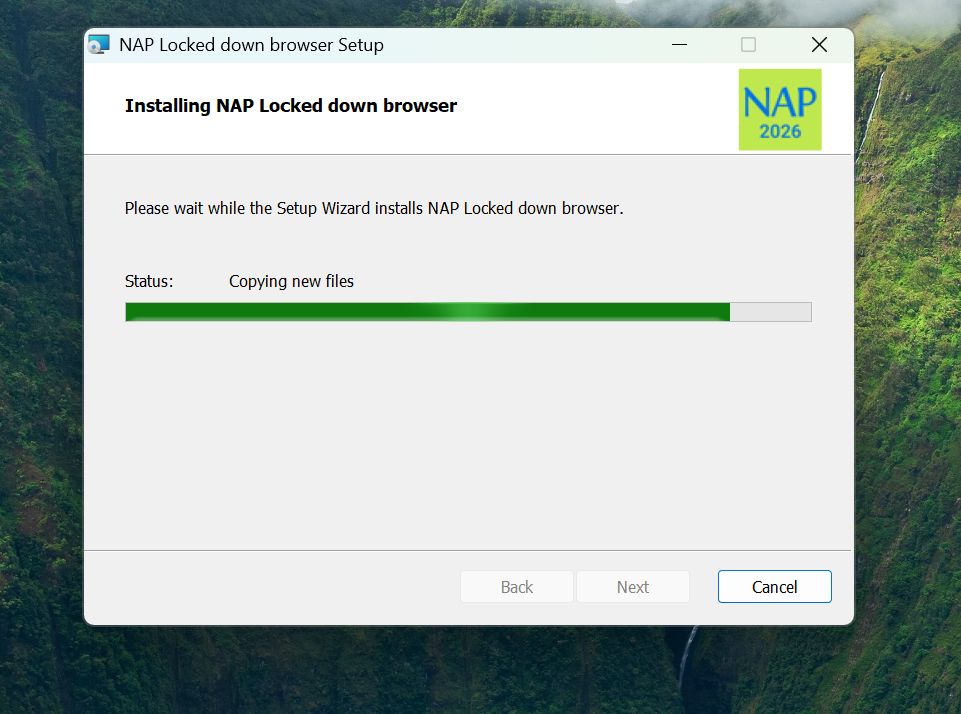
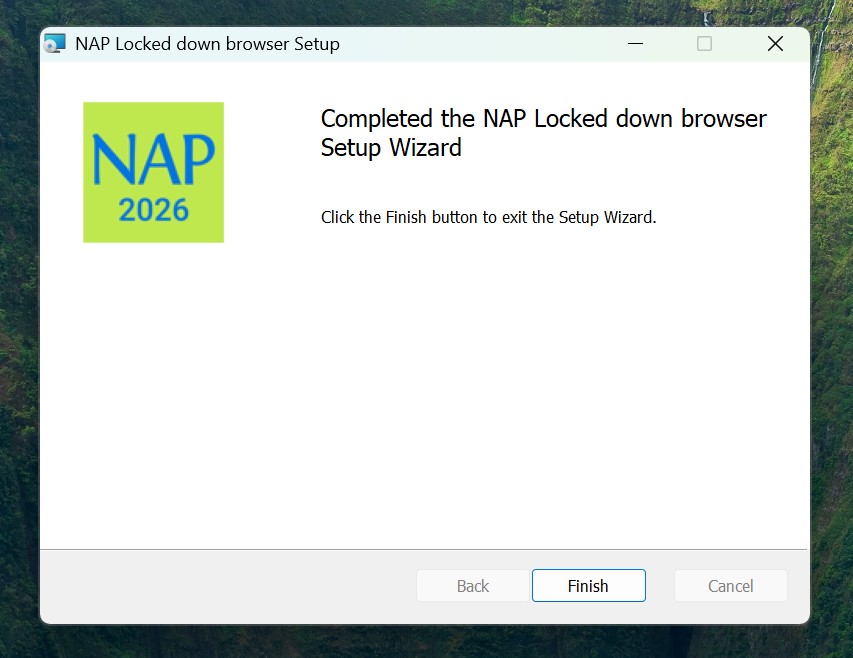
Work through the installation by choosing Next, Next, Install, Yes (if asked for permission) then Finish as shown in the slideshow below.
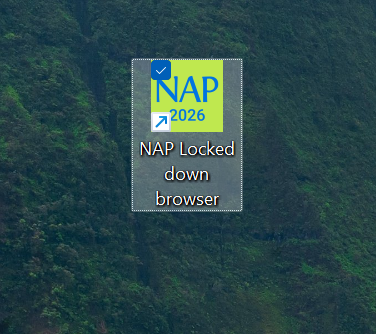
Step 4 Check for the green NAP 2026 icon on the Desktop.
TESTING the Locked down browser – follow this guide for Windows:
Mac Install
How to Install NAPLAN Locked Down Browser on Windows
Note: NAPLAN locked down browser requires a minimum version of Windows 10 21H2 or later. You can check your version of Windows by following the instructions here.
Step 1 Download the NAPLAN locked down browser here
Step 2 Find the downloaded file – Nap Locked down browser release NAP 5.11.0 using the file explorer. The file by default will be in your Downloads folder:
Step 3 Double-click NAP Locked down browser – Release – 5.11.0 and the installation wizard will launch:
Work through the installation by choosing Next, Next, Install, Yes (if asked for permission) then Finish as shown in the slideshow below.
Step 4 Check for the green NAP 2026 icon on the Desktop.
TESTING the Locked down browser – follow this guide for Windows: